The Thinking Network - Installment Three
The obstacle before the obstacle is usually invisible until you're standing in front of it. The machine wasn't wrong. That was the lesson.

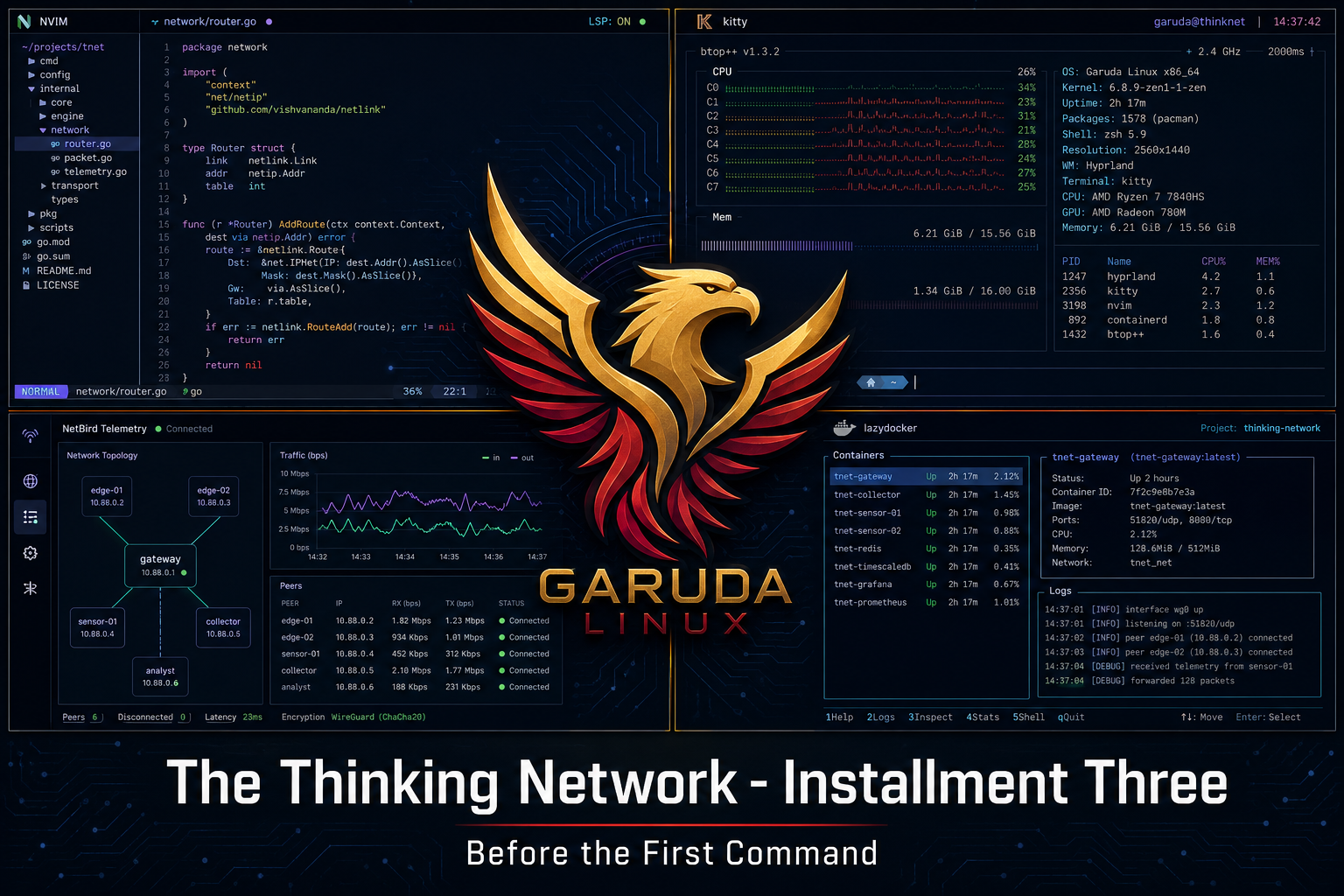
Before you run the first command, you have to get the machine to boot.
That sounds obvious. It isn't always.
The Floor Change
In Installment Two, I described Ubuntu as the workshop floor. The ground everything else stands on.
We are on a different floor now.
That's not a small thing, and it deserves an explanation before we go any further.
Ubuntu 24.04 LTS is a solid, widely-used Linux distribution. It is what most engineers reach for when they want something stable and supported. It is also built for general-purpose use - the kind of system that works for most workloads without asking too much of the person setting it up.
This lab has two distinct workloads running on one machine. The publishing pipeline for this series. And the Nokia network environment where the actual research happens. Each one makes demands. Neither one benefits from a general-purpose compromise.
Garuda Linux is a distribution built on Arch Linux - a leaner, more deliberate foundation that gives you exactly what you choose to put on it and nothing else. Where Ubuntu arrives with decisions already made, Arch-based systems ask you to make them yourself. That is not a flaw. For a lab environment that needs to be precise, predictable, and purpose-built, it is the right characteristic.
The desktop environment is Hyprland - a tiling window manager running on Wayland, the modern Linux display protocol. Tiling means the screen is divided into defined workspaces rather than floating windows. The terminal, the editor, and the file tree exist simultaneously without reaching for a mouse. For the kind of sustained technical work this lab requires, that is not a preference. It is a productivity decision.
The editor is Neovim - a keyboard-driven code editor that rewards configuration. The terminal is Kitty, GPU-accelerated and Wayland-native. The container management interface is LazyDocker. Every tool in the stack was chosen to serve the two workloads without friction between them.
One machine. Two terrains. A floor built to hold both.
The Obstacle Before the Obstacle
The plan was to install Garuda on the Dell Precision 3571 that runs this lab. The process requires a bootable drive - something the machine can start from before the new operating system exists on it.
The normal approach is a USB thumb drive. Load a boot utility onto the drive, copy the operating system image onto it, plug it in, restart the machine, and follow the installer.
I did not have a spare thumb drive.
What I had was a 1.8 terabyte external storage drive - the X10 Pro - sitting on the bench already connected to the machine. It is a large, fast drive in an external enclosure. It looked like the solution.
It was not.
What the BIOS Was Actually Saying
Here is what happened. I loaded the boot utility onto the X10 Pro, copied the Garuda image onto it, and restarted the machine. I entered the boot menu - the screen that appears before the operating system loads, where you choose what to start from. I selected the X10 Pro. The machine came back up into Ubuntu 24. Every time.
The first reading of that situation is: the BIOS is wrong. The machine is ignoring my instruction.
That is not what was happening.
The X10 Pro is a specific kind of drive. It is an NVMe drive - the fast solid-state storage type - housed inside a USB enclosure. NVMe is the same technology that lives inside the laptop itself. The BIOS was reading the X10 Pro's hardware signature, identifying it as NVMe storage, and routing it accordingly - alongside the internal drive that already had Ubuntu on it. It was not ignoring me. It was reading the hardware accurately. The enclosure created genuine ambiguity that the boot process could not resolve cleanly.
The machine knew what it was seeing. I had not given it something unambiguous to work with.
A standard USB thumb drive has no such identity problem. It registers as one thing. The BIOS sees it as one thing. The boot sequence follows without conflict.
A 64GB SanDisk thumb drive from Best Buy solved in one attempt what thirty minutes of troubleshooting could not.
Why This Belongs in a Series About Intelligent Networks
The BIOS was not malfunctioning. It was doing precisely what it was built to do - reading its environment and routing accordingly. The problem was that the environment I gave it contained ambiguity. The system responded to what was actually there, not to what I intended.
That is the same problem this lab is being built to solve at the network level.
An autonomous network system reads its environment continuously. It builds a model of what normal looks like. It acts when reality departs from that model. The quality of those actions depends entirely on the quality of the information feeding into them. An ambiguous signal produces an ambiguous response. Garbage in, garbage out - except in a carrier network, garbage out means dropped calls, failed transactions, interrupted service.
Clarity is not a convenience. It is a design requirement.
The thumb drive was clarity. And that's the lesson the BIOS taught before the first command ran.
What Got Built
Garuda Linux is running on the Dell Precision 3571. The full stack is operational.
The publishing side: Neovim with the LazyVim configuration layer, Obsidian connected to a version-controlled repository, a coordination script that moves information between the different parts of this operation automatically. The writing environment is faster and more focused than anything I have run before.
The lab side: Docker, ContainerLab version 0.71.0, the Nokia SR Linux environment waiting to come back online. Ollama running in CPU mode - the i7-12800H processor in this machine handles seven-billion-parameter local AI models without issue, which opens a path for the kind of on-device inference work that becomes relevant later in this series.
One machine. The publishing pipeline and the network lab running side by side. The craftsman's bench and the engineer's rack sharing the same surface.
The Coordination Layer
One thing worth naming before the next installment.
A lab that is documenting its own progress while simultaneously running active research has a coordination problem. Information needs to move between different parts of the operation reliably, automatically, and with a record that persists. Not because it is convenient, but because an intelligent system needs to know its own state.
That is not a philosophical statement. It is an engineering requirement.
The solution is a coordination script - an automation layer that runs on a schedule, moves the right information to the right places, and commits a record of every operation to a version-controlled repository. The lab's memory, maintained automatically.
It ran for the first time this week. The first push to the repository went out before a file exclusion list was in place. A protected file went up with everything else.
The exclusion list is now in place. The repository is clean. The incident is documented here because that is exactly the kind of thing this series exists to document. Automation is not a finished state. It is a practice.
The same is true of the network.
What's Next
The Nokia lab environment needs to come back online in its new home. ContainerLab reads the topology file. SR Linux nodes boot inside Docker containers. The diamond fabric comes alive.
That is Installment Four.
Next installment: The First Command. The topology file loads. Four routers appear. The lab is alive.